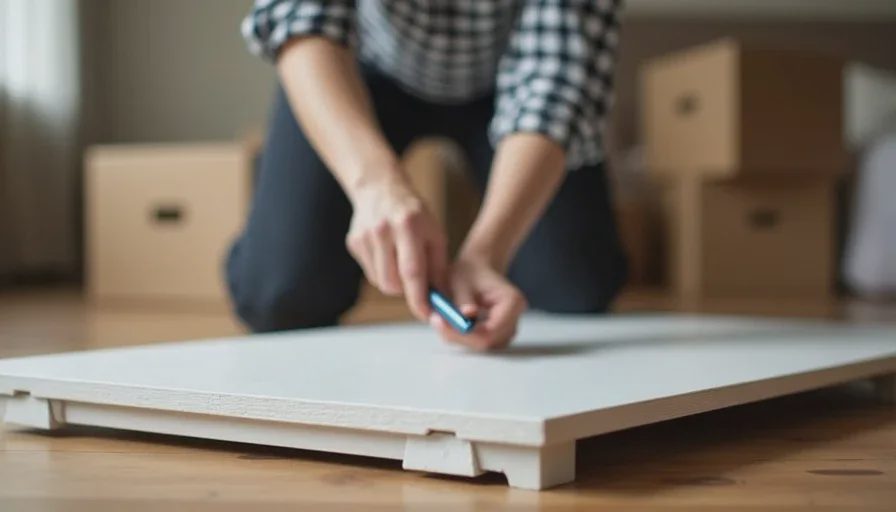
Here's the short answer: a 48-inch freestanding desk that assembles with a hex key, a clamp-on monitor arm instead of a monitor stand, a fold-flat chair or a stool you already own, adhesive cable clips instead of drilled raceways, and a tech pouch you can zip shut and drop in a box. Total cost: about $500–$700. Total time to pack: twenty minutes. Total holes in the wall: zero.
Now let me explain why this setup is different from every other small-space guide, and why "planning a future move" changes almost every decision.
Why a Future Move Changes Everything
Most small-space desk guides assume you're staying put. They recommend wall-mounted floating shelves, drilled cable raceways, adhesive panels that bond permanently, and furniture that's assembled with 47 screws and two people.
If you're moving in six months, all of that is wrong.
I've moved twice in four years. I've watched friends move and throw away furniture because it couldn't be disassembled. I've watched people spend a weekend patching wall holes to get a deposit back. I've watched someone try to fit a 60-inch desk through a stairwell and fail.
The right setup for someone planning a move follows three rules: it disassembles, it leaves no marks, and it fits in a car.
Rule One: The Desk Has to Come Apart
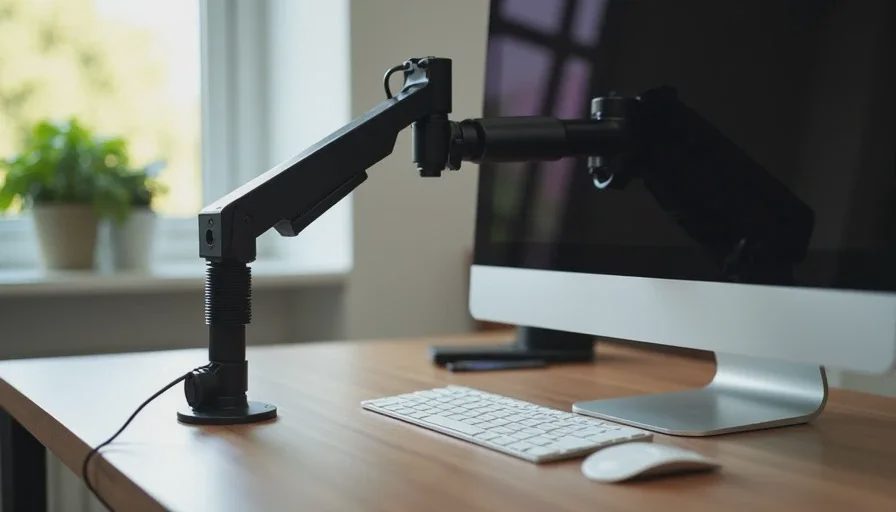
A desk is the hardest thing to move. It's heavy, it's awkward, and if it's a single welded piece, it won't fit through a doorway at an angle.
Look for these three things:
A flat-pack design with legs that unscrew. Not glued, not welded. Legs that attach with bolts and detach with a hex key. The IKEA Alex desk ($150) is 47 inches, assembles in 15 minutes, and disassembles in the same time. The FlexiSpot EN1 48-Inch Standing Desk ($280) uses a two-piece frame that separates from the top, and the desktop is a standard 48×24-inch panel you can replace or transport separately.
A 48-inch maximum width. A 48-inch top fits through a standard 30-inch doorframe when turned on its side. A 60-inch top does not. The 48-inch rule isn't about space in your current apartment. It's about space in the stairwell of your next one.
A weight under 40 pounds. The Alex is about 35 pounds assembled. The FlexiSpot EN1 is heavier because of the motor, but the frame separates and the top is light. Anything over 50 pounds is a two-person lift, and you don't want to be asking a friend to help you carry a desk down three flights.
What to avoid: Solid wood desks. They look great and weigh 80 pounds. Glass desks. They're fragile and the corners chip. Desks with drawers built into the frame. They're heavier and harder to disassemble. Desks over 55 inches wide. You will regret it on moving day.
Rule Two: The Monitor Arm Has to Clamp, Not Drill
A monitor stand eats desk space. A monitor arm frees it. But a drilled monitor arm leaves a hole in your desk that follows you to the next apartment.
A C-clamp monitor arm is the answer. It clamps to the edge of your desk, tightens with a hand screw, and removes without a trace. The VIVO Single Monitor Desk Mount Stand ($40) is the budget option and does the job for a 27-inch monitor. The Ergotron LX ($150) is the one I use and recommend if you want something that will last through three moves.
Check your desk thickness first. Most clamps work with desks from 0.4 inches to 2 inches thick. The VIVO clamp fits desks up to 3.25 inches. The Ergotron LX fits up to 2.4 inches. Measure your desk edge before you buy.
What to avoid: Grommet-mounted arms. They require drilling a hole in the desktop. Wall-mounted arms. They require drilling into the wall. Adhesive monitor mounts. They are not strong enough for a monitor and they will fail.
Rule Three: Cable Management Has to Be Removable
The standard cable management advice is under-desk trays, drilled raceways, and adhesive channels. Two of those three are permanent.
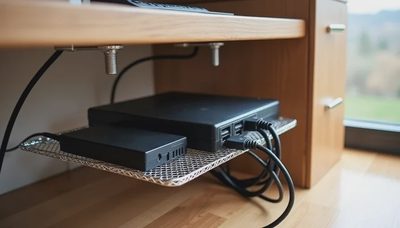
Use adhesive cable clips and velcro ties instead. The OHill Silicone Cable Clips ($8 for 20) stick to the underside of the desk and hold cables in place. They peel off without residue when you're ready to move. The VELCRO Brand One-Wrap Ties ($10 for 25) bundle cables together and unwind when you need to pack them.
Route cables along the desk leg, not the wall. A cable that runs from the desk to the floor and to the wall is a cable you have to untangle on moving day. A cable that runs down the desk leg and stops is a cable you can coil and put in a box.
If you need a floor run, use a removable raceway. The D-Line Cable Raceway ($15) has an adhesive backing that holds firmly and peels off when you're done. It's not as clean as a drilled channel, but it's removable and it does the job.
What to avoid: Drilled cable grommets. Adhesive cable trays that bond permanently. Zip ties—they're single-use and you'll have to cut them. Anything that requires patching a hole before you move out.
Rule Four: The Chair Has to Fold or Roll
An ergonomic office chair is the second-hardest thing to move after a desk. A mesh chair with a five-point base takes up half a car trunk. A solid chair weighs 40 pounds.
Option one: a folding chair. The Tervo Model U ($220) folds flat and has a mesh back and adjustable seat height. It's not as comfortable as a full ergonomic chair for eight-hour days, but it's fine for four-hour work sessions and it folds to the size of a large briefcase.
Option two: a compact task chair with a four-point base. The HÅG Minu 1010 uses a four-wheel base instead of five, which gives it a smaller footprint and makes it easier to maneuver in tight spaces. It's expensive, but it's the kind of chair you keep through multiple moves.
Option three: use what you have. A dining chair with a cushion is not ergonomic. But if you're moving in three months, it's free. Buy the chair after you move, when you know the dimensions of your new space.
What to avoid: Gaming chairs. They're heavy, they're bulky, and the racing-style base is impossible to fit in a car. Executive chairs with thick padding. They weigh 50 pounds and they don't disassemble.
Rule Five: Everything on the Desk Has to Fit in One Box
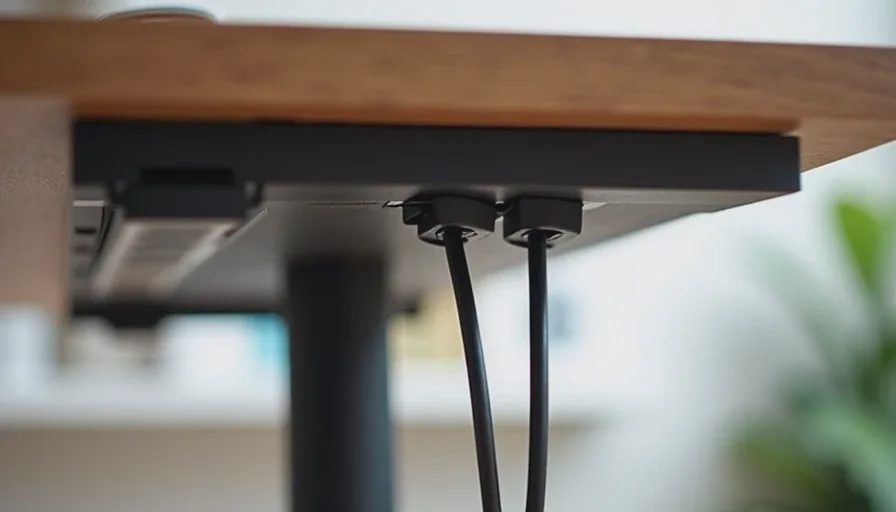
Here's the test: if you had to pack your entire desk setup in one evening, could you do it with one box and one bag?
Here's my list:
Laptop — goes in the laptop bag.
Monitor — goes in its original box, which you kept, or a monitor sleeve.
Monitor arm — clamp unscrews, arm folds, goes in a small box.
Keyboard and mouse — go in the tech pouch.
Charger and cables — already in the tech pouch.
Desk — disassembles into a flat top and four legs.
Chair — folds or rolls.
That's two boxes and two bags. It fits in a sedan with the back seat folded down. It takes twenty minutes to pack and twenty minutes to reassemble.
If your setup requires a third box, you have too much stuff.
The Product List
Here's the full setup I recommend for someone planning a move within six to twelve months.
Item | Product | Price | Why |
|---|---|---|---|
Desk | IKEA Alex 47" or FlexiSpot EN1 48" | $150–$280 | Flat-pack, 48" max, under 40 lbs |
Monitor arm | VIVO Single Monitor Mount | $40 | C-clamp, no drilling, fits most desks |
Cable clips | OHill Silicone Clips | $8 | Adhesive, removable, no residue |
Velcro ties | VELCRO One-Wrap | $10 | Reusable, adjustable, packable |
Chair | Tervo Model U (folding) | $220 | Folds flat, mesh back, adjustable height |
Tech pouch | Peak Design Tech Pouch | $59 | Holds everything, zips shut, goes in bag |
Total: about $490–$620.
If you already have a monitor and a laptop, the desk, arm, clips, ties, and chair are the only new purchases. That's about $480.
What to Skip When You're Planning a Move
A standing desk with a heavy motor. The FlexiSpot EN1 is an exception because it separates, but most standing desks are 70+ pounds and the frame doesn't come apart cleanly. If you want a standing desk, buy it after you move.
Wall-mounted shelves. They require drilling and patching. Use a desk with a built-in shelf or a small freestanding bookcase instead.
A large desk. Anything over 55 inches is a moving liability. The 48-inch rule is non-negotiable.
Acoustic panels. They're adhesive, they damage paint when removed, and they're heavy. If you need sound treatment, use a thick rug and a bookshelf.
A full-size ergonomic chair. Unless you're buying the HÅG Minu or a similar compact model, the chair is the thing you'll leave behind. Buy the chair after you move.
A second monitor. Two monitors means two boxes, two arms, and two sets of cables. One 27-inch monitor is enough until you're settled.
The Moving-Day Test
Here's how I test any desk setup before I commit to it. I ask three questions:
Can I disassemble this in 20 minutes with one tool? If it needs a screwdriver, a hex key, and a second person, it's too complicated.
Does it leave a mark on the wall or the floor? If the answer is yes, I don't buy it.
Does it fit in a car? Not a truck. Not a van. A car. If it doesn't fit in a car, it's not move-friendly.
If a piece of gear fails any of these, it doesn't go on the desk.
No letters yet — be the first guest to write.