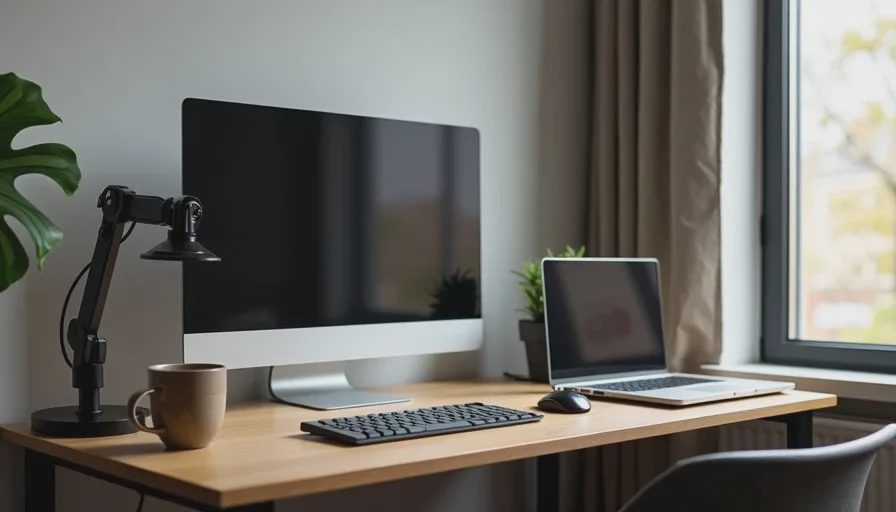
Here's the short answer: a 48-inch desk, one 27-inch monitor on a monitor arm, a laptop stand, a compact keyboard and mouse, one clamp-on light, and a single under-desk cable tray. If you share the apartment with a partner, add a folding screen or a rolling cabinet so you can put work away at 6 p.m. Everything else—the triple-monitor arrays, the acoustic panels, the RGB, the 72-inch standing desk—is either a lie or a fight waiting to happen.
Now let me explain why.
The One-Bedroom Problem Nobody Talks About
Most home office content is made by people with a spare room. They have a door. They have four walls they can drill into. They have space to leave a mess and come back to it tomorrow.
You don't. You have a corner of a living room, or a wall at the end of the bed, or a spot next to the kitchen that gets direct sun at 4 p.m. You have a partner who also lives here. You have maybe six feet of wall to work with.
That changes everything. It changes what desk you buy, what monitor you buy, where the cables go, and—most importantly—whether you can close the laptop at the end of the day and stop looking at your job.
I've watched a lot of people buy the wrong thing here. They buy a 60-inch desk because a review said it was the best value, and then they can't walk around it. They buy a 32-inch monitor and realize it's too big for the distance their desk allows. They mount shelves, then move out in eight months and lose the deposit.
So let's build something that actually fits.
Rule One: Measure Before You Buy Anything
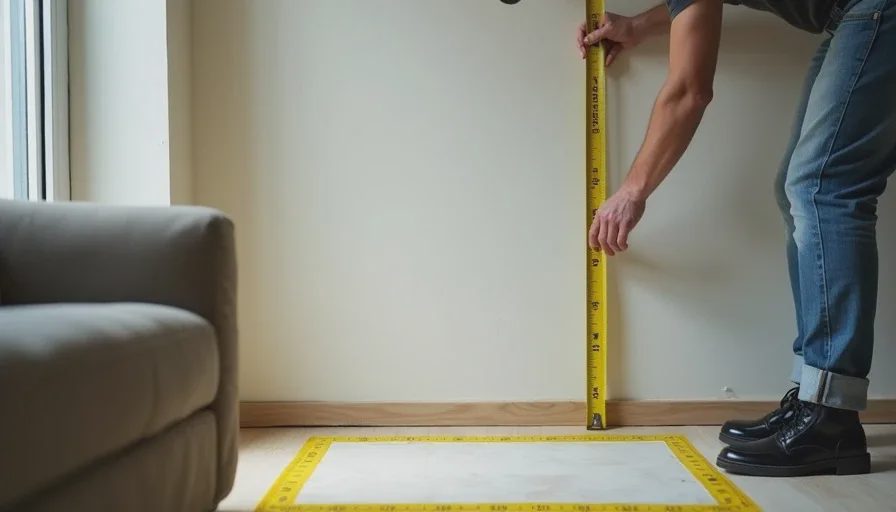
Before you look at a single product, do this:
Measure your available wall length. Not the room. The wall you're actually going to use.
Measure the depth you can afford. Can you leave 30 inches of clearance behind your chair? If not, your desk has to be shallower.
Check where the outlets are. If the nearest outlet is across the room, you need a plan for that—not a longer cable running across the floor.
Check the windows. Direct sun on a screen at 3 p.m. is a real problem, and it's not solved by turning up the brightness.
I can't tell you how many people skip this step. They buy a beautiful desk, then discover the only place it fits blocks the closet.
Rule Two: Go Narrower Than You Think
For a one-bedroom apartment, 48 inches wide and 24 inches deep is the sweet spot. That's enough for a laptop, a monitor, a keyboard, and a coffee mug without feeling cramped. It's also narrow enough to fit along a short wall or the end of a living room.
The IKEA Alex desk ($150) is the most common choice, and honestly, it's fine. It's 47 inches, it has a built-in cable tray, and it doesn't look like a gaming rig. The Fully Jarvis Bamboo 48" ($499) is better if you want a standing desk, but only get it if you actually stand. Most people don't.
If you need something that disappears, get a wall-mounted folding desk ($80–$150). It drops down when you're working and folds flat when you're not. It's not as stable, and you can't put a monitor arm on it. But it solves the "I don't want to see my job when I'm off" problem completely.
Rule Three: One Monitor, Not Three
A single 27-inch 1440p monitor is the right answer for almost everyone in this situation. It's big enough to be a real upgrade over a laptop screen, and small enough that you can sit 24 inches away without moving your head like a spectator at Wimbledon.
I recommend the Dell UltraSharp U2723QE ($450) or the BenQ PD2705U ($400). Both have USB-C with power delivery, which means one cable to your laptop for video, data, and charging. That single cable is worth more than any spec on the box.
Then put it on a monitor arm ($100–$150). I use the Ergotron LX. This does three things: it frees up the entire desk surface, it lets you push the monitor back when you're not using it, and it means you don't need a monitor stand eating six inches of depth you don't have.
Skip the second monitor. I know you want one. You don't need one. If you truly need more screen, use your laptop as the second display and put it on a stand beside the monitor.
Rule Four: Manage the Cables or Drown
In a small apartment, cables are not a detail. They're the difference between a space that feels calm and a space that feels like a desk-shaped junk drawer.
Three things fix 90% of it:
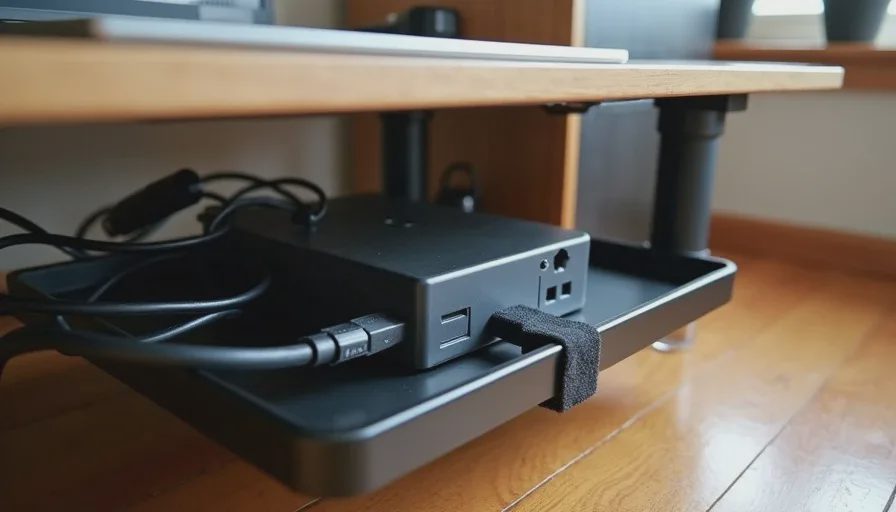
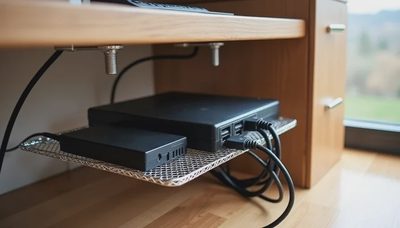
An under-desk cable tray ($25–$40). I use the IKEA Signum. Everything—power strip, charger, extra cables—lives in it. Nothing touches the floor.
A single power strip with a long cord, mounted inside the tray. Not on the floor. On the tray.
Velcro ties, not zip ties. You will redo this. Zip ties make you hate yourself.
The goal is that from the front, you see a desk and a monitor. From the side, you see nothing. No black snake of cables going down to the floor.
Rule Five: Solve Audio Without Annoying Your Partner
This is the part no YouTube setup video addresses, because those people live alone.
If you take calls in a one-bedroom apartment, you have two options: headphones, or a speaker that's directional enough that your partner can watch TV in the same room.
For calls, use a wireless headset with a boom mic—the Logitech Zone Wireless 2 ($250) or the Jabra Evolve2 65 ($250) if your company will pay for it. The boom mic matters. Earbuds sound fine to you and terrible to everyone on the call.
For music and video, a compact desktop speaker like the Audioengine A2+ ($269) is directional enough to be reasonable at low volume. A soundbar is not. A subwoofer is a declaration of war.
And if you share the space, get closed-back headphones for anything involving sound. The Sony WH-1000XM5 ($400) or the Bose QuietComfort Ultra ($429) both work, and both have a transparency mode for when your partner says your name.
Rule Six: Make It Disappear
If your desk is in your living room, you need a way to end the workday visually. Not just mentally. Visually.
Three options, in order of how well they work:
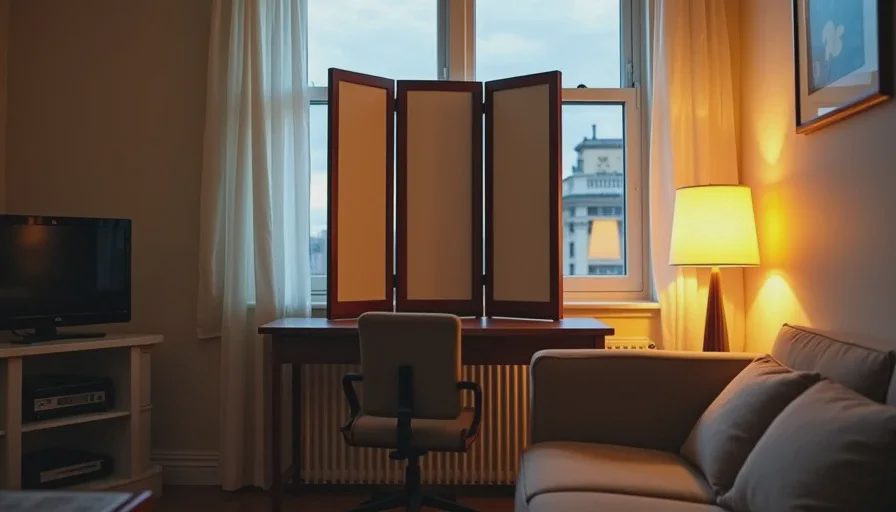
A folding screen ($60–$150). A three-panel room divider behind your desk. It looks intentional, it blocks visual clutter, and it takes ten seconds to set up or collapse.
A rolling cabinet ($100–$200). Put your keyboard, mouse, and notebook inside at the end of the day and roll it against the wall. The desk becomes a table again.
A desk with a lid or a roll-top ($300+). Expensive, but the cleanest solution. Close it, and there's no evidence you have a job.
I know this sounds fussy. It isn't. Living in a one-bedroom with a visible workspace is like living in a one-bedroom with a visible pile of laundry. It wears on you.
Rule Seven: Lighting Is Not Optional
The single most common mistake in apartment home offices is relying on overhead ceiling lights. They cast shadows on your face during video calls and make you look like you're being interrogated.
Get one clamp-on desk lamp with adjustable color temperature. The BenQ ScreenBar ($109) is the best version of this—it clips to the top of your monitor, lights your desk without lighting your screen, and takes up zero desk space.
For video calls, add one small LED panel ($60–$100) behind your laptop, angled at your face. That's it. You don't need a ring light. You don't need a softbox. You need one light source that isn't the ceiling.
What I Don't Recommend
A 60-inch or larger desk. It won't fit. You'll regret it.
Triple monitors. You don't have the depth for it, and you don't need it.
A mechanical keyboard with loud switches. Your partner will hate you, and your microphone will pick up every keystroke.
Acoustic foam panels. They look like a dorm room and they don't fix the actual problem, which is that your walls are thin and your microphone is bad.
A standing desk mat. You won't stand. If you do stand, you'll stand on the floor and be fine.
RGB anything. You're 38. Stop.
No letters yet — be the first guest to write.