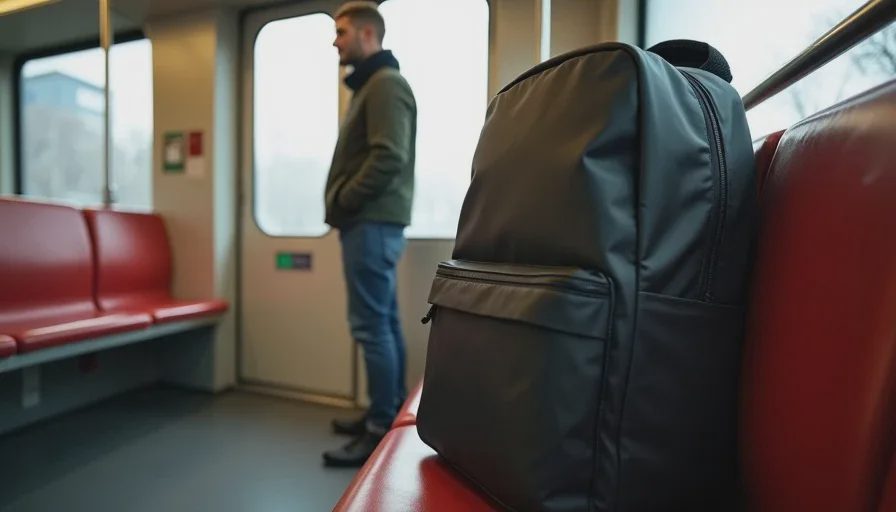
Here’s the short answer: a 20–24L backpack with a dedicated laptop sleeve, a flat-front pocket for a tech pouch, and a side-access bottle pocket. Inside the pouch: one 65W dual-port GaN charger, one 10,000mAh battery pack with built-in USB-C cable, one 6-foot USB-C cable, one short USB-C cable, a compact wireless mouse, and a small microfiber cloth. That’s it. Everything else is either redundancy or regret.
Now let me explain why.
The Problem with Most Commuter Bags
Most work backpacks are designed for air travel or for people who carry a laptop and nothing else. They either have too many compartments (which encourages you to fill them with junk) or too few (which means your charger ends up scratching your laptop). They’re also usually too deep, which makes them awkward on a crowded train.
I spent years watching people buy bags that looked great in the store and then come back two weeks later because the zipper failed, the shoulder strap dug in, or the laptop sleeve didn’t actually fit a 16-inch MacBook Pro.
So I started paying attention to what people kept. The bags that survived daily train commutes in Chicago—through winter slush, summer sweat, and the occasional downpour—had a few things in common.
What to Look For in a Train Commuter Bag
1. Flat profile. A bag that sticks out more than 6 inches from your back is a bag that will bump into people on a packed L train. You want something that sits close to your body.
2. Dedicated laptop compartment that doesn’t touch the main compartment. This is non-negotiable. If your laptop shares space with your keys, water bottle, or charger, it will get scratched. A padded sleeve that’s suspended off the bottom is even better—it protects against drops.
3. A quick-access pocket for your phone, transit card, and keys. You don’t want to be the person holding up the line at the turnstile because you’re digging through your bag.
4. Side-access bottle pocket. If you have to take the bag off to get your water bottle, you’ll stop carrying water. Then you’ll get dehydrated. Then you’ll buy an overpriced bottle at the station. It’s a cycle of failure.
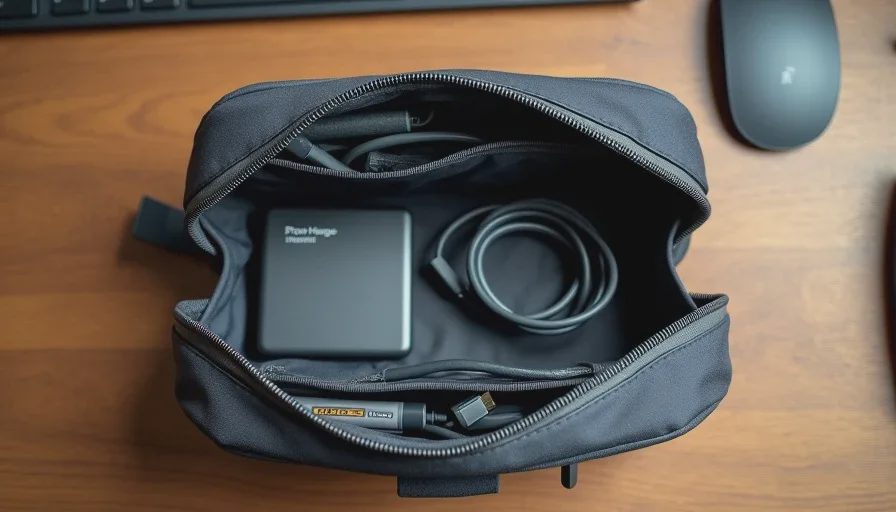
5. A flat front pocket for a tech pouch. This keeps your cables and chargers organized and separate from your main cargo. It also means you can grab the pouch and move it to a different bag without unpacking everything.
The Bag I Recommend Most
For most hybrid workers who commute by train, the best bag is the Aer City Pack Pro ($199) or the Bellroy Transit Backpack ($229). Both are 24L, both have a flat profile, both have a suspended laptop sleeve, and both have a quick-access pocket that actually works.
The Aer is slightly more durable and has better water resistance. The Bellroy looks a little more professional and has a slightly better internal organization. Pick whichever one matches your style. You won’t regret either.
If you want a budget option, the Osprey Arcane Large Day ($120) is surprisingly good. It’s not as polished, but it has the same essential features and it’s built to last.
The Tech Pouch
Your tech pouch is where most people go wrong. They either use a giant pouch that takes up half their bag, or they use a tiny pouch that can’t fit a charger.
I recommend the Peak Design Tech Pouch ($59) or the Bellroy Tech Kit ($55). Both are compact, both have enough elastic loops to keep cables from tangling, and both fit in a flat front pocket.
Inside the pouch, here’s what I carry:
One 65W dual-port GaN charger. I use the Anker 523 ($40). It’s small enough to fit in the pouch, and it can charge my laptop and phone at the same time.
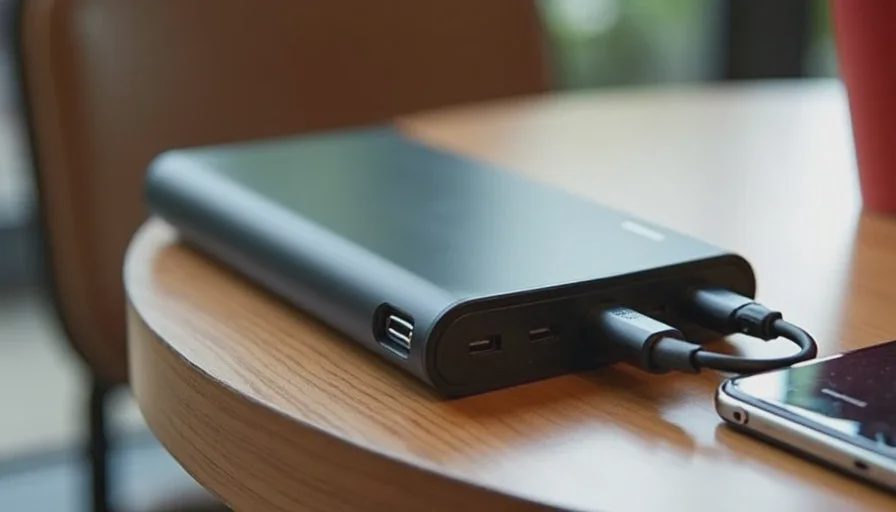
One 10,000mAh battery pack with built-in USB-C cable. I use the Anker 633 ($50). The built-in cable means I don’t have to carry a separate one, and 10,000mAh is enough for a full phone charge plus a partial laptop charge.
One 6-foot USB-C cable. For when I’m at a café or airport and the outlet is far away.
One short USB-C cable. For charging my phone from the battery pack while it’s in my pocket.
A compact wireless mouse. I use the Logitech MX Anywhere 3S ($80). It’s small, it tracks on any surface, and it charges via USB-C.
A small microfiber cloth. For cleaning my screen and glasses.
That’s it. No dongles. No adapters. No “just in case” cables that never get used.
The Charging Setup

The key to a good commuter charging setup is one charger that can do everything. You don’t want to carry separate chargers for your laptop, phone, and earbuds.
The Anker 523 is a 65W dual-port GaN charger. It’s about the size of a deck of cards. It can charge a 13-inch laptop at full speed while also charging your phone. If you have a 16-inch MacBook Pro, you’ll need a 100W charger, but for most hybrid workers, 65W is plenty.
For battery backup, the Anker 633 is a 10,000mAh battery pack with a built-in USB-C cable. It’s not the biggest battery, but it’s enough to get your phone through a long day and give your laptop an extra hour or two if you’re stuck somewhere without an outlet.
Cable Discipline
The single biggest difference between a bag that works and a bag that becomes a junk drawer is cable discipline.
Here’s my rule: every cable in my bag has a specific purpose, and if I don’t use it for two weeks, it comes out.
That means no “just in case” cables. No cables for devices I don’t carry anymore. No cables that are too short to be useful or too long to be convenient.
I also use cable ties or elastic loops to keep everything organized. The Peak Design Tech Pouch has built-in elastic loops, which is one of the reasons I like it.
What I Don’t Carry
I don’t carry a portable monitor. I don’t carry a tablet. I don’t carry a second laptop. I don’t carry a mechanical keyboard.
Why? Because I’ve tested all of those things, and for a train commuter, they’re not worth the weight. A portable monitor is too dim to use on a train. A tablet is redundant if you have a laptop. A second laptop is absurd. A mechanical keyboard is too loud and too bulky.
If you need a second screen, use your laptop and your phone. If you need a better keyboard, use the one on your laptop. If you need a bigger screen, work from home or go to a café.
A good commuter bag setup is not about having the most gear. It’s about having the right gear, organized in a way that doesn’t slow you down.
Start with a flat-profile backpack with a suspended laptop sleeve. Add a compact tech pouch. Fill it with one charger, one battery pack, two cables, a mouse, and a cloth. Leave everything else at home.
Your back will thank you. Your train neighbors will thank you. And you’ll stop wasting money on gear you don’t need.
Start with the life, then buy the gear.
No letters yet — be the first guest to write.