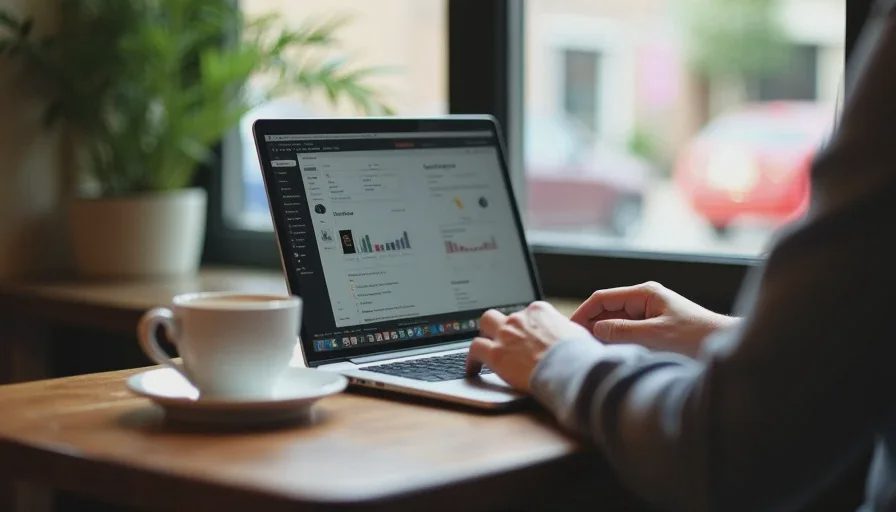
Here's the short answer: a laptop with at least 10 hours of real battery life, a privacy screen or a screen hood, noise-canceling earbuds with a decent mic, a 65W GaN charger with a 6-foot cable, a phone with tethering ready, and a bag you can keep on your lap. No portable monitor. No mechanical keyboard. No mousepad. Everything else is a reason you didn't finish your work.
Now let me explain why.
The Difference Between Working at a Café and Pretending To
There are two kinds of people in a coffee shop with a laptop.
The first kind is there to work. They have a deadline. They have a call at 2 p.m. They need to send three emails and finish a document. They will be gone in 90 minutes.
The second kind is there to be seen working. They have a cold brew, a brand-new MacBook, and no actual output. They will be there for four hours, and they will order one drink.
This article is for the first kind. If you're the second kind, that's fine—but you don't need any of this. You need a mirror.
Rule One: Battery Life Is the Whole Game
Nothing ruins a café session faster than hunting for an outlet. You become that person. You scope out the room like you're planning a heist. You ask the barista if you can sit at the table near the wall. You unplug the shop's floor lamp.
Avoid this entirely by bringing a laptop that can actually last. Not "up to 14 hours" in a lab. Real 10 hours with Wi-Fi on, screen at 60% brightness, and a browser with 20 tabs.
The MacBook Air M3 ($1,099) does this easily. So does the Lenovo ThinkPad X1 Carbon Gen 12 ($1,600) if you're a Windows person. The Dell XPS 13 ($1,299) is close, but the battery life is slightly worse in real use.
If your current laptop can't do 10 hours, you have two options: bring a battery pack that can charge it, or accept that you're going to be the outlet person. I'd rather you bring the battery pack. The Anker 737 Power Bank ($150) is heavy, but it can charge a laptop at full speed and it's the difference between staying and leaving.
Rule Two: Stop People from Reading Your Screen
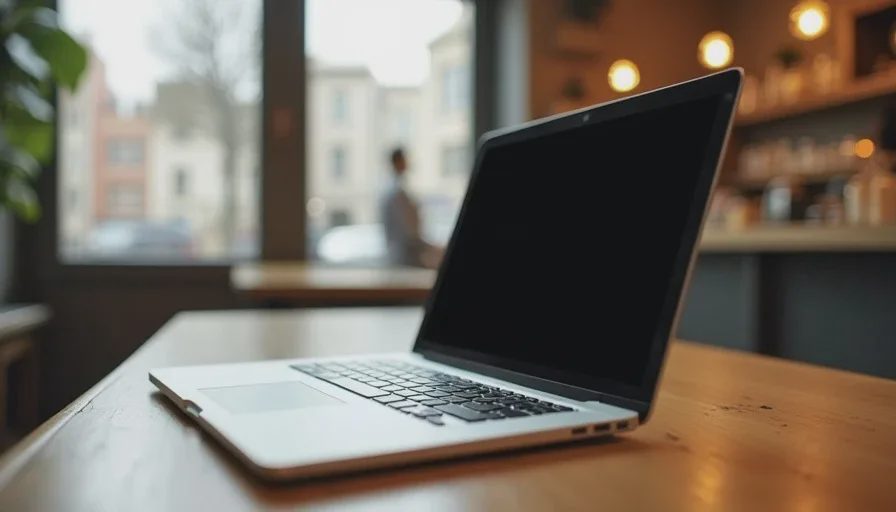
This is the thing nobody talks about, and it's the reason a lot of people can't actually work in a café.
You're writing an email. You're looking at a spreadsheet. You're on a call. And the person at the next table is very obviously reading your screen.
You can't fix this with a stern look. You fix it with a privacy screen ($30–$50). It's a film that goes over your display and narrows the viewing angle. From the front, everything looks normal. From the side, it looks black. The 3M Privacy Filter is the standard. Get the right size for your laptop and don't think about it again.
If you're on a lot of video calls, also consider a webcam cover ($10). It's not about hackers. It's about the person walking behind you seeing that you're on a call about layoffs.
Rule Three: Audio Is Where Most People Get This Wrong
You need two things: something that blocks out the café, and something that makes you sound professional on calls. Those are not always the same product.
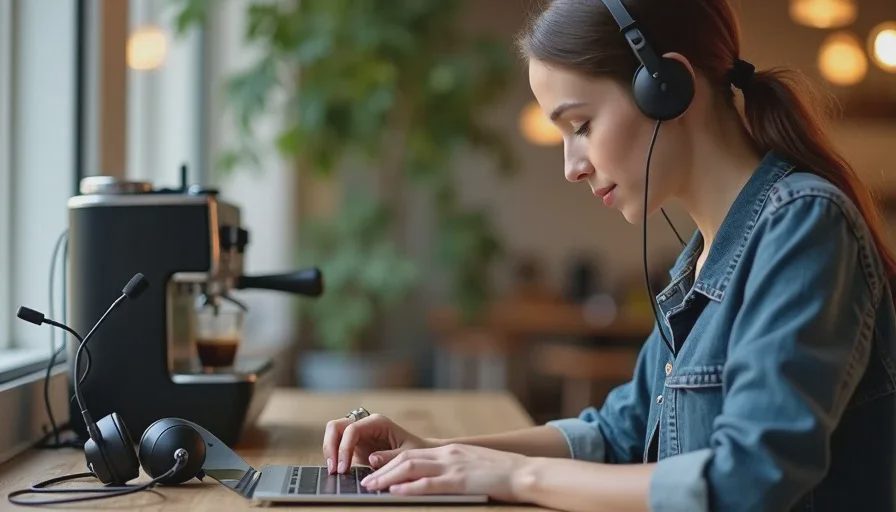
For blocking out noise, you want noise-canceling earbuds. The Sony WF-1000XM5 ($299) and the Bose QuietComfort Ultra Earbuds ($299) are the two best options. Both are small enough to live in your pocket. Both have transparency modes so you can hear the barista call your name.
For calls, the built-in mics on those earbuds are fine in a quiet room and terrible in a café. If you take calls from a café, you need a wireless headset with a boom mic. The Logitech Zone Wireless 2 ($250) is what I recommend. It's not stylish, but the person on the other end of the call will actually be able to hear you.
If you only buy one thing for café work, buy the earbuds. If you take calls in cafés more than twice a week, buy the headset too.
Rule Four: Your Seat Choice Matters More Than Your Gear
I have a 10-point test for whether a café is actually workable. Here are the five that matter most:
Outlet access. Not because you need it, but because if there are no outlets, the café will be full of people who are about to leave. You want a café that has outlets, so the people who need them are happy, and you can sit wherever you want.
Table size. You need at least 24 inches of width and 18 inches of depth. A tiny round table is not a desk. It's a drink coaster with ambition.
Chair height. If the chair is too low, your wrists will hurt in 20 minutes. If it's too high, your shoulders will hurt. You want a chair where your elbows are roughly level with the table.
Background noise. You want a café with consistent noise—music, conversation, espresso machine—not a café with sudden loud noises. A quiet café is actually harder to work in than a moderately noisy one, because every small sound becomes a distraction.
Bathroom access. You're going to be there for two hours. You don't want to pack up your laptop every time you need to go.
If a café fails three of these five, leave. There's another one down the street.
Rule Five: Always Have a Tethering Backup
Café Wi-Fi is unreliable. Sometimes it's slow. Sometimes it's down. Sometimes it's fine but the captive portal won't load and you can't get online.
Don't rely on it. Have your phone ready to tether.
On iPhone, it's called Personal Hotspot. On Android, it's called Hotspot & Tethering. Set it up before you leave the house. Test it once. Know how to turn it on without thinking.
If you tether a lot, consider a dedicated mobile hotspot like the GlocalMe G4 Pro ($150). It's a separate device with its own data plan, and it means you're not draining your phone battery. For most people, the phone is fine. But if you work from cafés four days a week, the hotspot is worth it.
Rule Six: The Gear That Lives in Your Bag
Here's what I actually carry for a café session:
Laptop with 10+ hours of battery
Privacy screen already attached
Noise-canceling earbuds in a case
65W GaN charger with a 6-foot USB-C cable
Phone with tethering ready
Small notebook and pen (for when you need to think without a screen)
Microfiber cloth for the screen
That's it. No portable monitor. No external keyboard. No mouse. No mousepad. No dongle bag.
If you're doing serious writing, you might want a compact wireless mouse—the Logitech MX Anywhere 3S ($80) is the one I use. But for most café work, the trackpad is fine.
What I Don't Recommend
Portable monitors. They're too dim for a bright café, they take up too much table space, and they make you look like you're setting up a command center.
Mechanical keyboards. They're loud, they're heavy, and everyone in the café will hate you.
A second laptop. Just don't.
A tablet as your only device. Unless you're only answering email, you'll regret it.
A giant bag. You want something you can keep on your lap or hang on the back of your chair. A 30L backpack in a café is a hazard to everyone around you.
Buying the largest drink on the menu to justify staying. Just order two smaller drinks. The barista will like you more, and you'll actually drink them.

No letters yet — be the first guest to write.